

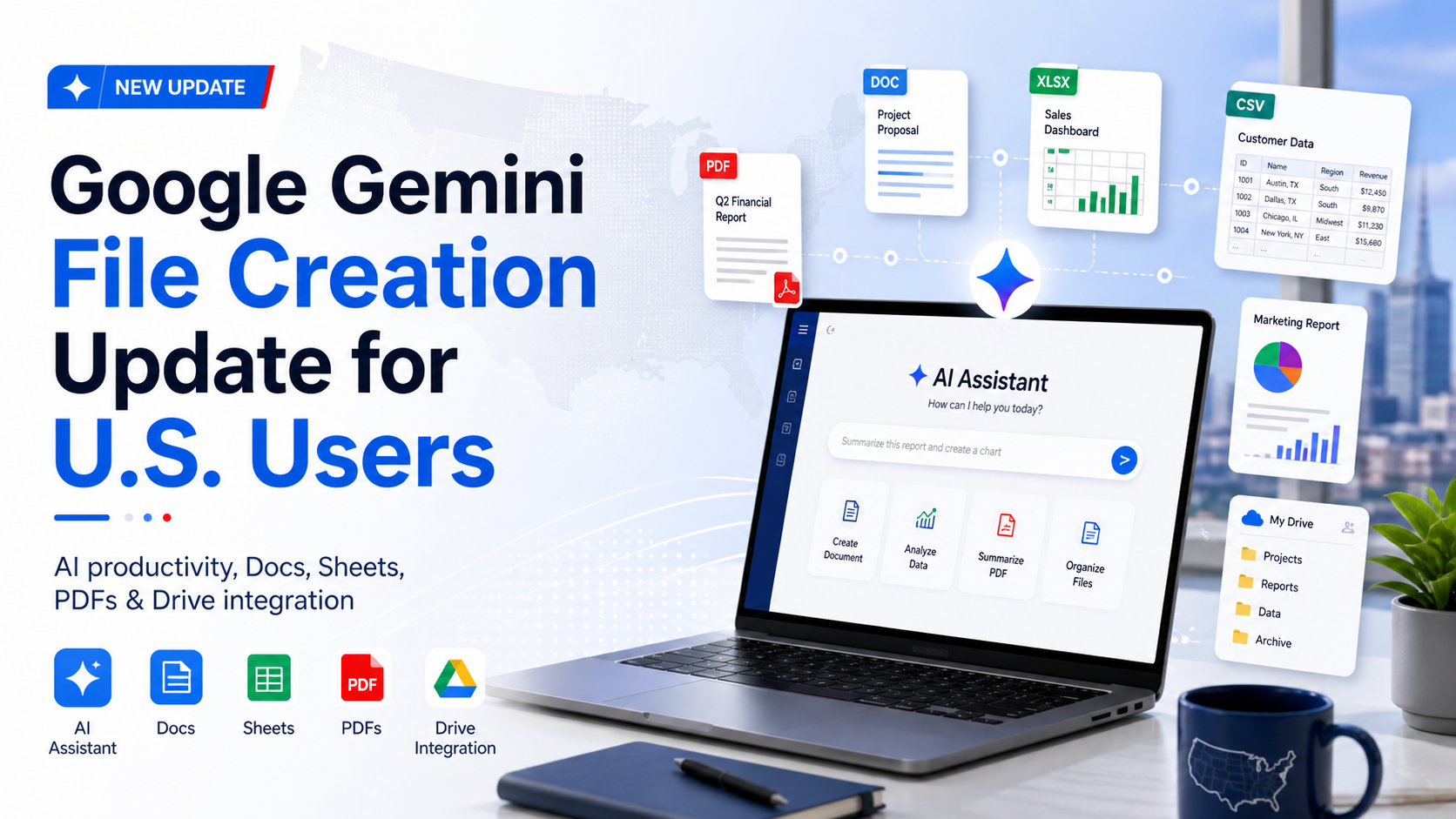
Google Gemini’s New File Creation Update Could Change How Americans Work With AI
Artificial intelligence is moving quickly from simple chat responses to real productivity tools, and Google Gemini’s latest update shows exactly where the future is heading. Gemini can now generate downloadable files such as PDFs, Word documents, CSV files, markdown files, and spreadsheets. It can also create Google Docs and Google Sheets directly inside Google Drive, making it much more useful for students, professionals, small business owners, content creators, and everyday users across the United States.
At first, this update may sound like a small improvement. Many AI tools can already summarize information, write reports, or create outlines. However, the real value of this Gemini update is not only in writing content. The bigger shift is that Gemini is beginning to connect AI generation with the actual workspace where people store and manage their files. For millions of Americans who already use Google Drive, Google Docs, Google Sheets, Gmail, and Google Workspace, this could become a major productivity upgrade.
Gemini Can Now Create Files Instead of Just Giving Answers
One of the biggest limitations of many AI chatbots has been the gap between generating content and turning that content into usable work files. A user could ask an AI tool to write a report, create a budget, or organize information, but then they still had to copy, paste, format, and save the content manually.
Gemini’s new file creation ability reduces that friction. Users can now ask Gemini to research a topic and create a Google Doc with the results. Instead of receiving only a block of text in a chat window, the user can open the generated document inside Google Docs, preview it, edit it, and continue working from there.
This is especially useful for American workers and businesses that depend on Google Workspace. Marketing teams can generate campaign briefs, students can create research summaries, freelancers can prepare client reports, and entrepreneurs can organize business plans more efficiently.
The update also supports different file formats, which makes Gemini more flexible. Users can create PDFs for polished reports, CSV files for data imports, spreadsheets for expense tracking, markdown files for technical workflows, and documents for written content. This makes Gemini more than a writing assistant. It turns it into a file-producing productivity assistant.
Google Drive Integration Makes Gemini More Practical
The most important part of this update is Gemini’s connection to Google Drive. In one example, Gemini can pull information from a Google Sheets expense log and create a PDF report that explains where the user spent the most money. The report can include charts, graphs, financial summaries, and suggestions for saving money in the future.
For American users, this kind of workflow has many practical uses. A small business owner in Texas could ask Gemini to analyze monthly expenses from a spreadsheet and create a PDF summary for their accountant. A real estate agent in Florida could generate client-ready reports from property data. A college student in California could turn research notes into a structured Google Doc. A nonprofit organization in New York could organize donation data into a spreadsheet and create a presentation for donors.
This is where Gemini starts to become more than a chatbot. It begins to act like a workspace assistant that can understand files, organize data, and produce professional documents.
Expense Reports and Business Workflows Become Easier
Another strong example of Gemini’s new ability is expense management. Users can upload several receipts from a trip and ask Gemini to create a spreadsheet listing expenses, amounts, dates, categories, and other details needed for tools such as QuickBooks.
This is highly relevant for U.S. professionals, especially freelancers, consultants, sales representatives, travel workers, and small business owners. Expense tracking is often time-consuming, and many people delay it until tax season. If Gemini can accurately extract information from receipts and organize it into a usable spreadsheet, it could save hours of manual data entry.
The ability to generate both Excel-style files and CSV files is also important. CSV files are widely used for accounting software, business dashboards, databases, and financial platforms. By supporting CSV output, Gemini becomes more useful for people who need clean data that can move between different systems.
Gemini’s Canvas and Interactive Dashboards
Gemini also includes a feature called Canvas, which can create interactive dashboard-style views of data. Instead of only showing numbers in rows and columns, Gemini can visualize information in a more useful format. Users can still return to the original data, but the dashboard gives them a clearer way to understand trends, categories, and comparisons.
This is valuable for business reporting, personal finance, educational projects, and content planning. For example, a marketing manager could visualize campaign spending, a teacher could analyze student performance data, or a family could review vacation expenses.
In a U.S. workplace where speed and clarity matter, visual dashboards can help users make decisions faster. Instead of opening a spreadsheet and manually creating charts, users can ask Gemini to produce an interactive view of the same information.
Google Gemini Still Has Some Limitations
Although this update is impressive, Gemini is not perfect yet. One limitation is how it handles edits to existing files in Google Drive. When asked to make changes to a document, Gemini may create a duplicate version instead of editing the original file directly. For example, if a user asks Gemini to remove a table from a Google Doc, it may create a second version of the document with the table removed rather than modifying the original document.
This can be useful for version control, but it may also create clutter. Many users would prefer Gemini to edit the original file when asked. If Google improves this feature, Gemini could become much more powerful as a true AI file assistant.
Another limitation is presentation creation. Gemini can create slide decks and export them to Google Slides, but it may struggle when asked to create polished PowerPoint files with images, diagrams, colors, and professional formatting. In some cases, it may generate slides in the side panel instead of creating the requested PPTX file. In other cases, the presentation design may look basic or unfinished.
This matters because presentation quality is important in business, education, and sales. American professionals often need slide decks that look clean, modern, and ready to present. Gemini’s slide-generation ability is promising, but it still needs improvement to compete with more advanced presentation tools.
Why This Update Matters for the Future of AI Productivity
The larger meaning of this update is that Google is moving Gemini closer to “workspace intelligence.” Instead of keeping AI inside a chat box, Google is beginning to connect Gemini with the places where people actually work: Google Docs, Google Sheets, Google Drive, and eventually more parts of Google Workspace.
This is important because the next major phase of AI will not only be about answering questions. It will be about completing tasks. Users want AI tools that can create files, update documents, organize folders, analyze spreadsheets, summarize meetings, draft reports, and prepare presentations.
Competitors such as ChatGPT and Claude have already pushed strongly into productivity and agent-style workflows. Google’s advantage is that millions of people already use Google Workspace every day. If Gemini can deeply integrate with those tools, it could become one of the most practical AI assistants for American businesses, schools, and individual users.
Final Thoughts
Google Gemini’s new file creation update is a major step forward. The ability to generate PDFs, Word-style documents, CSV files, markdown files, Google Docs, and Google Sheets makes Gemini far more useful than a simple chatbot. Its connection with Google Drive also opens the door to smarter workflows, better reporting, easier expense tracking, and faster document creation.
The update still has weaknesses. Editing existing Drive files can create duplicate versions, and PowerPoint-style presentation generation needs improvement. However, the direction is clear. Google is building Gemini into a productivity assistant that works closer to where users already store their files and manage their daily tasks.
For users in the United States, especially small business owners, freelancers, students, office workers, and Google Workspace subscribers, this update could save time and simplify many repetitive digital tasks. If Google continues improving Gemini’s ability to edit, analyze, and organize existing files, this could become one of the most important AI productivity tools in the American workplace.



Comments
No comments yet. Be the first to share your thoughts!
Leave a Comment